Technology Advice for Small Businesses

powered by Pronto Marketing

5 settings every new iPad owner should change

Apple’s iOS has been through countless updates over the years. It’s hard to keep up with all the new features and settings, so we don’t blame you for feeling overwhelmed with how to set up a new iPad. Although every user has different preferences, there are at least five configurations most people can agree on.… Continue reading 5 settings every new iPad owner should change

5 Tips for customizing a new iPad

Whether you purchased an iPad for personal use or for work, there are several things you need to configure when setting it up. But who wants to waste time aimlessly browsing the menus in the Settings app? Take care of the five most important configurations quickly so you can move on to the fun stuff!… Continue reading 5 Tips for customizing a new iPad


Not sure what to do with a new iPad? Start here

Even though Apple devices are less customizable than their Android counterparts, new iPhones and iPads still have dozens of settings to configure. Tackling the most important ones takes only a few minutes if you know where to start. Check our recommendations for the top five most useful settings. Touch ID The first thing you must… Continue reading Not sure what to do with a new iPad? Start here

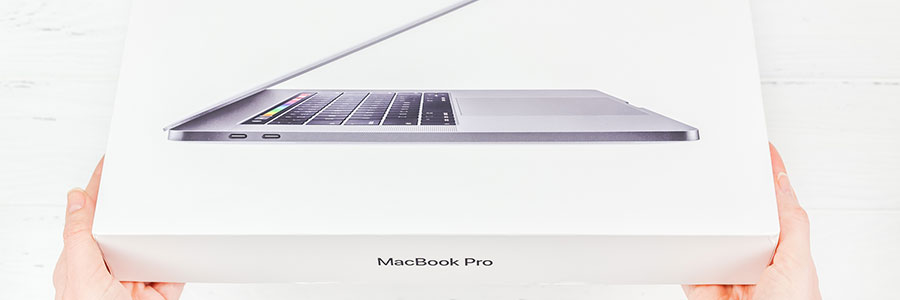
A guide to setting up your new MacBook

The latest models of the MacBook have won over millions of people, not least because of their high-end look and feel. They also offer plenty of power to do a wide range of work-related tasks and much more. Set up your new MacBook and enjoy all it has to offer in seven easy steps. Check… Continue reading A guide to setting up your new MacBook

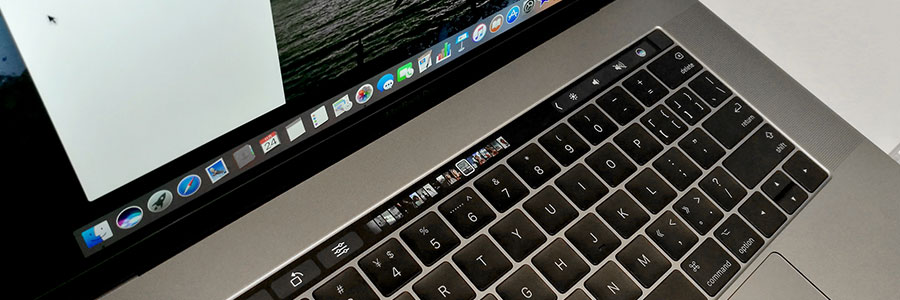
Get your new MacBook up and running

Just bought a new MacBook? Can’t wait to start using it? Get it up and running — and make the most out of your shiny new toy — by making these important changes to your MacBook’s settings. Check for updates From time to time, Apple releases updates to macOS. If the tech giant has released… Continue reading Get your new MacBook up and running

Useful tweaks for your new MacBook

Like other Apple products, MacBooks are notoriously expensive, especially compared to their Windows counterparts. But as legions of personal and business users will tell you, a MacBook is well worth the price. And to make sure you get the most bang for your buck, you need to set it up properly by tweaking these settings.… Continue reading Useful tweaks for your new MacBook

7 Ways to personalize your Windows 10

Whether you want to have a darker color scheme, run several apps at the same time, or display multiple desktops, Windows 10 gives you many options to personalize your PC. And while some customization options are less obvious than others, it is worth the effort to get your Windows 10 to look and function the… Continue reading 7 Ways to personalize your Windows 10

Windows 10: Your PC, your way

The Windows 10 interface looks good and is quite intuitive, but something is still missing — your signature style. Microsoft’s premier operating system gives you the power to customize your device any way you like. So if you’re tired of your plain blue theme or if you’re starting to get annoyed with that notification sound,… Continue reading Windows 10: Your PC, your way

Customize your Windows 10 experience

You log into your PC and you’re greeted by an incredibly plain desktop background and an equally drab Start Menu. Suddenly, a notification goes off and tells you that an application you barely use is ready for an update. Sounds like a nightmare, doesn’t it? If you want your desktop to look or behave a… Continue reading Customize your Windows 10 experience

Leave no room for hackers to operate

For most people, social media is a convenient way to stay in touch with family and friends. For a small group of people, it’s an opportunity to profit off other people’s trust. Here are some things you can do to continue enjoying Facebook and Twitter without compromising your privacy. Lockscreens exist for a reason Make… Continue reading Leave no room for hackers to operate