
Technology Advice for Small Businesses

powered by Pronto Marketing

A guide to disabling Windows 10’s invasive settings

Do you feel like your online activity is being spied on? That’s because it probably is — but not by cybercriminals as you might think. It’s more likely that it’s your operating system that’s doing the spying and giving away information about you. Learn more about Windows 10’s not-so-private settings and how to fix them… Continue reading A guide to disabling Windows 10’s invasive settings

Ensure your privacy in Windows 10

Windows 10 helps users by giving useful suggestions as they type and by displaying ads based on their online searches. But these can feel invasive after a while. To ensure your privacy and keep Microsoft’s watchful eye off your computer activity, follow these tips. Turn off personalized advertising Windows 10 assigns each user an advertising… Continue reading Ensure your privacy in Windows 10
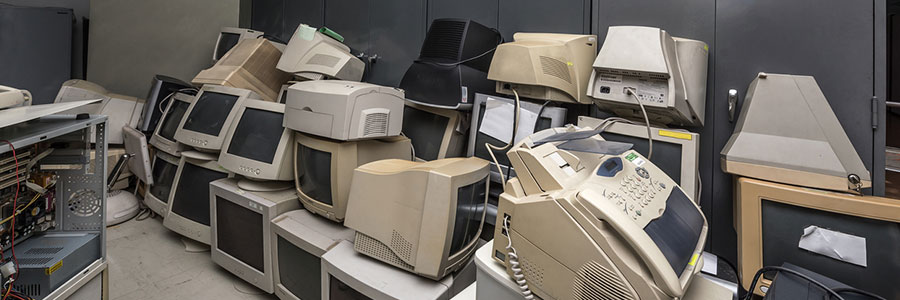
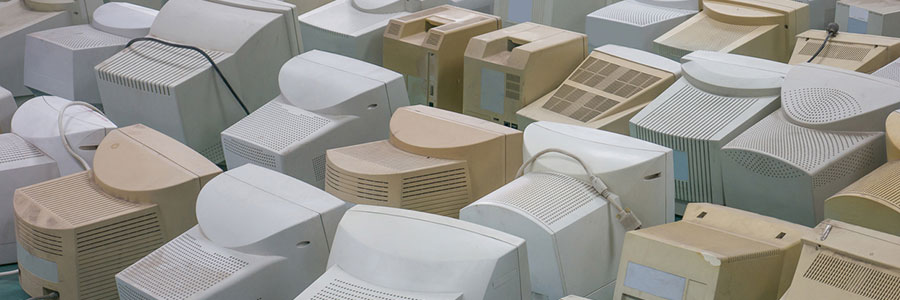
5 Nifty uses for your old computers

Don’t be so quick to dump that old computer! Despite being slow and clunky, your old desktop or laptop may still add value to your business. There are many uses for old PC hardware, and here are five of them. Make a NAS server Network-attached storage (NAS) is a server for your small business network… Continue reading 5 Nifty uses for your old computers

What can you do with an old PC?

If your PC has been struggling to perform all the tasks you have at hand, we completely understand why you would be itching for a new one. But even if it’s old, sluggish, and always crashing, your old desktop or laptop may still prove to be useful. Here are some things you can do with… Continue reading What can you do with an old PC?

Repurposing an outdated computer

Sooner or later, you’re going to have to replace your computer. But while it may not be as fast as when you first got it or as sleek as your new computer, your old desktop or laptop might still have a lot to offer. Below are a few ways you can repurpose an outdated machine.… Continue reading Repurposing an outdated computer

Reduce your PC power consumption

There’s a computer in almost every home and office nowadays. A typical desktop that’s switched on 24/7 for a whole year releases carbon dioxide equivalent to what an average car releases in an 820-mile drive. To save energy, you don’t need to make drastic changes; you can start by making small adjustments that will ultimately… Continue reading Reduce your PC power consumption

6 Ways to save energy with your PC

It’s a dilemma: you want to save energy, but you need to use your PC every day. You can turn off your computer when it’s not in use, but a plugged-in PC or electrical appliance, even when switched off, still consumes standby power. If this is the case, how exactly can you save energy? Here… Continue reading 6 Ways to save energy with your PC

Save on electricity with these PC tips

When it comes to saving energy, every little bit goes a long way. The more energy-efficient your PC habits, the more money you save. In fact, activating your PC’s power-saving features can save you up to $50 a year. And if you want to increase your savings even more, take note of the following tips.… Continue reading Save on electricity with these PC tips

How to stop VoIP theft of service

As the use of Voice over Internet Protocol (VoIP) phones becomes more widespread, so do the security threats that target VoIP, such as theft of service. This threat is the most common type being used by cybercriminals today. Let’s examine how it affects your VoIP network and the preventive measures to counter it. What is… Continue reading How to stop VoIP theft of service

Preventing theft of service in VoIP

VoIP phone systems use the internet just like any PC. Therefore, hackers can gain access to your servers and data network through VoIP phones. Understanding how to combat theft of service in VoIP is critical, so if you want to learn how to do it, read on. What is theft of service? Internet-based phone systems… Continue reading Preventing theft of service in VoIP