Technology Advice for Small Businesses

powered by Pronto Marketing

Cool new Windows 10 features are coming!

Windows 10 is developed as a service, and regularly receives patches and bug fixes. It also gets feature updates at least twice a year, and 2018 is no different. This October, Microsoft unveiled the October 2018 update, also known as Redstone 5, which comes with some amazing new features. Your Phone Windows 10 is getting… Continue reading Cool new Windows 10 features are coming!

3 Tips on managing Windows 10 notifications
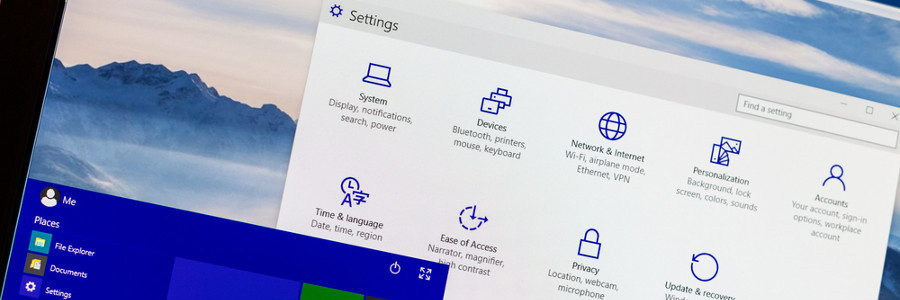
Microsoft has equipped Windows 10 users with a comprehensive set of tools to get their action center settings under control. Unfortunately, most desktops come with an abundance of software and features that result in more notifications. If you’ve reached the point of oversaturation, these three tips can help you better manage your action center. Overarching… Continue reading 3 Tips on managing Windows 10 notifications
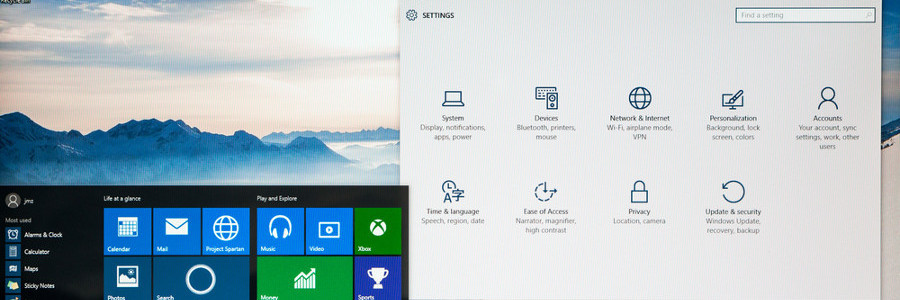
How to adjust your Windows 10 notifications

Unless the computer app is critical for your work, alerts about a new patch update or incoming message can distract you. Luckily, you can personalize your notifications settings on Windows 10’s action center using these three simple steps. Overarching action center settings First of all, you should customize your Windows 10 system-wide notifications settings. To… Continue reading How to adjust your Windows 10 notifications

Quick guide to Windows 10 notifications

Regardless of the app, platform, or operating system, digital notifications are a tricky business. Our devices are overcrowded with software of varying importance, and without proper customization the stream of information can become overwhelming. Thankfully, with the right settings, you can adjust Windows 10’s action center and manage your influx of notifications. Overarching action center… Continue reading Quick guide to Windows 10 notifications

7 Ways to personalize your Windows 10

Whether you want to have a darker color scheme, run several apps at the same time, or display multiple desktops, Windows 10 gives you many options to personalize your PC. And while some customization options are less obvious than others, it is worth the effort to get your Windows 10 to look and function the… Continue reading 7 Ways to personalize your Windows 10

Windows 10: Your PC, your way

The Windows 10 interface looks good and is quite intuitive, but something is still missing — your signature style. Microsoft’s premier operating system gives you the power to customize your device any way you like. So if you’re tired of your plain blue theme or if you’re starting to get annoyed with that notification sound,… Continue reading Windows 10: Your PC, your way

Customize your Windows 10 experience

You log into your PC and you’re greeted by an incredibly plain desktop background and an equally drab Start Menu. Suddenly, a notification goes off and tells you that an application you barely use is ready for an update. Sounds like a nightmare, doesn’t it? If you want your desktop to look or behave a… Continue reading Customize your Windows 10 experience

4 tips to speed up your Windows 10 computer for free

If your Windows 10 computer is starting to slow down after some time, there are ways to make it run faster without breaking the bank. The following tips will improve your computer’s performance without the need for more hardware. Prevent programs from launching at startup Windows loads several programs at startup so they’re quickly available.… Continue reading 4 tips to speed up your Windows 10 computer for free

Keep your Windows 10 computer fast with these tips

Do you want your Windows 10 computer to run faster without spending on accessories? These tips will help give your machine a speed boost while keeping it safe from system and performance issues. Prevent programs from launching at startup Windows loads several programs at startup so they’re quickly available. While Microsoft likely has good intentions… Continue reading Keep your Windows 10 computer fast with these tips

4 ways to speed up Windows 10 for free

Windows 10 users normally complain that their computers tend to slow down after some time. They can add either a faster hard drive or more memory, but hardware is expensive. If you want to speed up the performance of your computer without spending cash, give the following tips a try. Prevent programs from launching at… Continue reading 4 ways to speed up Windows 10 for free