It pays to take extra precautions when surfing the web. We’ve compiled these three easy tips that can amp up your online security.
Improve internet security with these easy tips
It pays to take extra precautions when surfing the web. We’ve compiled these three easy tips that can amp up your online security.
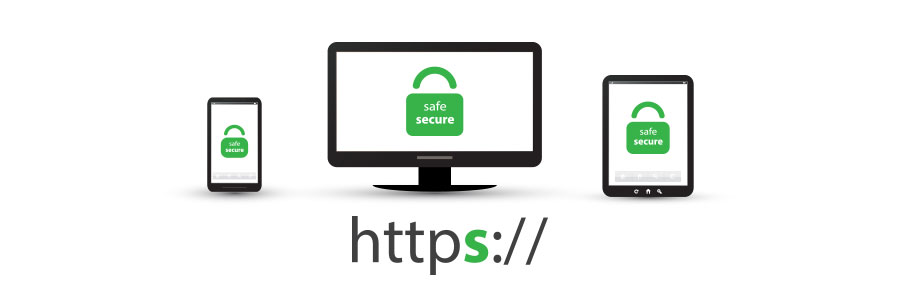
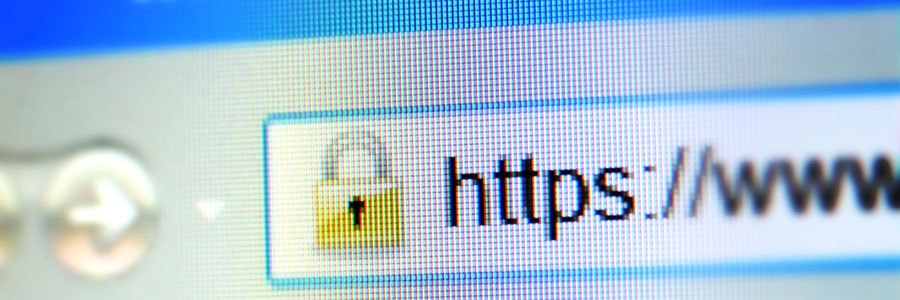
One basic internet security habit that everyone should remember is to avoid websites that aren’t secured with the HTTPS protocol. This is as simple as looking at your URL bar to check whether the URL string starts with “https” and whether there is a symbol of a closed padlock beside it. HTTPS Encryption When you… Continue reading Why you should care about HTTPS

Many internet users still do not understand what the padlock icon in their web browser’s address bar is for. It represents HTTPS, a security feature that authenticates websites and protects the information users submit to them. This is an important feature that lets users know whether the site they are visiting is secure or not.… Continue reading Why is HTTPS important?
Are you an avid online shopper? Have you noticed if each payment page has HTTPS in its URL lead-up? If you’re not absolutely sure, you might be a prime target for identity theft. Here’s why you should make sure that the websites you browse for shopping have a little padlock icon on them in the… Continue reading Understanding HTTPS
Avoiding malware and online scams takes a lot of work. You have to treat every email with suspicion, manage a long list of convoluted passwords, and avoid public WiFi networks. Ideally, you follow several other cybersecurity best practices, but many users don’t believe they’re worth the time. If you’re one of those people, here are… Continue reading 5 Cybersecurity measures anyone can master
Can you name five cybersecurity best practices? Most people can’t, and few of those who can, actually follow them. Unfortunately, cyberattacks are far too common to be lax about staying safe online. Your identity could be stolen, or even worse, you could expose private information belonging to your company’s clients. There are many ways you… Continue reading 5 Simple but effective cybersecurity tricks
Keeping your personal and professional information safe from cybercriminals is not easy. It takes constant vigilance and frequent training. There are dozens of simple tools and tips to help people with almost zero expertise stay safe online, but these five are our favorites. 1. Multi-factor authentication (MFA) This tool earns the number one spot on… Continue reading 5 Easy tips for preventing data breaches
Google Chrome currently marks HTTPS-encrypted sites with a green lock icon and “Secure” sign. And starting in July, Chrome will mark all HTTP sites as “not secure.” Google hopes this move will nudge users away from the unencrypted web. Read on to learn more about the forthcoming changes. For several years, Google has moved toward… Continue reading Chrome to mark HTTP as ‘not secure’
Within the last year, Chrome has helped users understand that HTTP sites are not secure. More websites use HTTPS, a safer protocol, than ever before. So, how can you benefit from this transition? Find out here. For several years, Google has moved toward a more secure web by strongly advocating that sites adopt the Secure… Continue reading Chrome: From HTTP to HTTPS
HTTPS usage on the web has taken off as Chrome has evolved its security indicators. HTTPS has now become a requirement for many new browser features, and Chrome is dedicated to making it as easy as possible to set up HTTPS. Let’s take a look at how. For several years, Google has moved toward a… Continue reading HTTPS matters more for Chrome