Technology Advice for Small Businesses

powered by Pronto Marketing

Out of sight, out of mind (so clear your desktop now)

It’s simple, really: if your desktop is messy, then it’s more difficult to use. Don’t waste time and energy struggling to function — literally clean up your act by heeding our tips on decluttering your desktop. 1. Arrange, sort, and prioritize Before you go about deleting everything from your desktop, think about what you really… Continue reading Out of sight, out of mind (so clear your desktop now)

Like in physical spaces, desktops need order, too
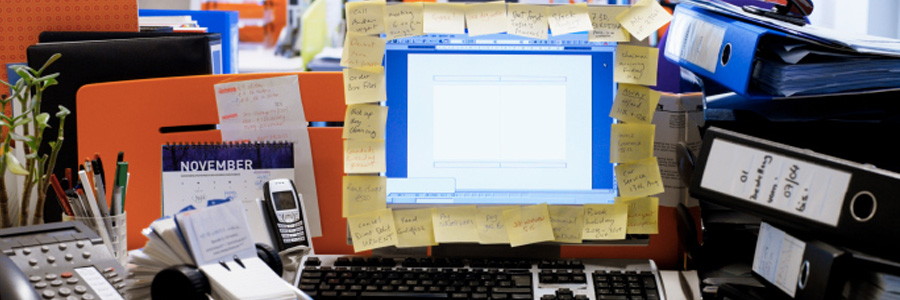
Imagine a workstation with papers, folders, food, and electronics all strewn around, then having to scour through everything to find an unlabeled thumb drive containing an important sales report. This is practically the same hassle you and your staff suffer when you have cluttered desktops. Suffering is optional, so choose tidiness and follow these simple… Continue reading Like in physical spaces, desktops need order, too

The threat of distributed spam distraction

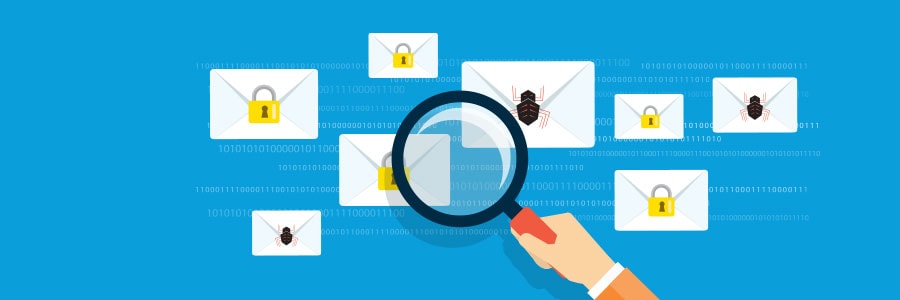
You wouldn’t think that cybercriminals would carry out their nefarious schemes in plain sight — except that they do and you’ve probably already fallen victim to them. Learn all about a scheme called distributed spam distraction (DSD) and how malicious actors are using it to steal valuable information from their victims. What is DSD? DSD… Continue reading The threat of distributed spam distraction

Watch out for distributed spam distraction

A lot of people get a handful of spam in their email inboxes every day. While spam can be a nuisance, it only takes a few minutes to delete or block spam. But if you receive tens of thousands of spam all at the same time, a huge chunk of your time and energy will… Continue reading Watch out for distributed spam distraction

Distributed spam distraction hides illegal activities

As annoying as spam email is, it’s usually pretty harmless. But hackers have been using a method called distributed spam distraction (DSD) where spam email is used to carry out illegal activities. Learn more about DSD and how you can safeguard your systems against it. What is DSD? DSD is a type of attack wherein… Continue reading Distributed spam distraction hides illegal activities

Malware removal tips for Android devices

Because the Android operating system is open source, it’s easy for programmers to customize it and develop apps for it. But its main strength is also a weakness — criminals can easily access programming codes, find vulnerabilities, and distribute malware through Android apps. Fortunately, there are ways to rid your Android devices of malware should… Continue reading Malware removal tips for Android devices

How to rid your Android devices of malware

As much as Google tries to keep their products safe and secure, they’re not immune to malware. If a malicious software infiltrates your Android operating system, it can compromise the sensitive information contained in your device. Here are a few tips on how to detect and remove malware from your Android device. Confirm the malware… Continue reading How to rid your Android devices of malware

Recommended malware removal on Android devices

Cybercriminals infect Android apps with their malware in order to infiltrate your devices. In fact, your Android smartphone or tablet may already be infected. If you want to minimize device, data, and business damages caused by malware, then follow these tips on how to remove malware from your Android device. Confirm the malware infection Android… Continue reading Recommended malware removal on Android devices

How to connect an external monitor to your Mac

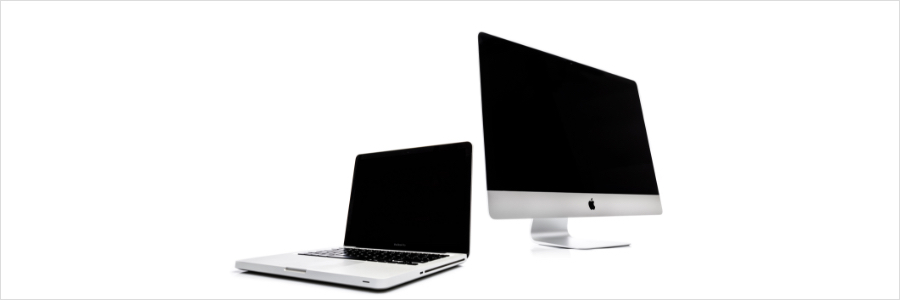
Remote work arrangements have become the new norm for many employees. If you’ve been working from home using your Apple desktop or laptop without a second monitor, here’s some good news: you have several options for external monitors — including your TV. First, check what displays your Mac device supports by doing the following: Click… Continue reading How to connect an external monitor to your Mac

Ways to connect your Macbook to an external monitor

Working with two screens lets you work more efficiently because there’s more visual space; for instance, you don’t have to shift from one window to the other while doing research for a report since you can lay two windows or open pages side by side. Mac users may feel that their options to use a… Continue reading Ways to connect your Macbook to an external monitor